
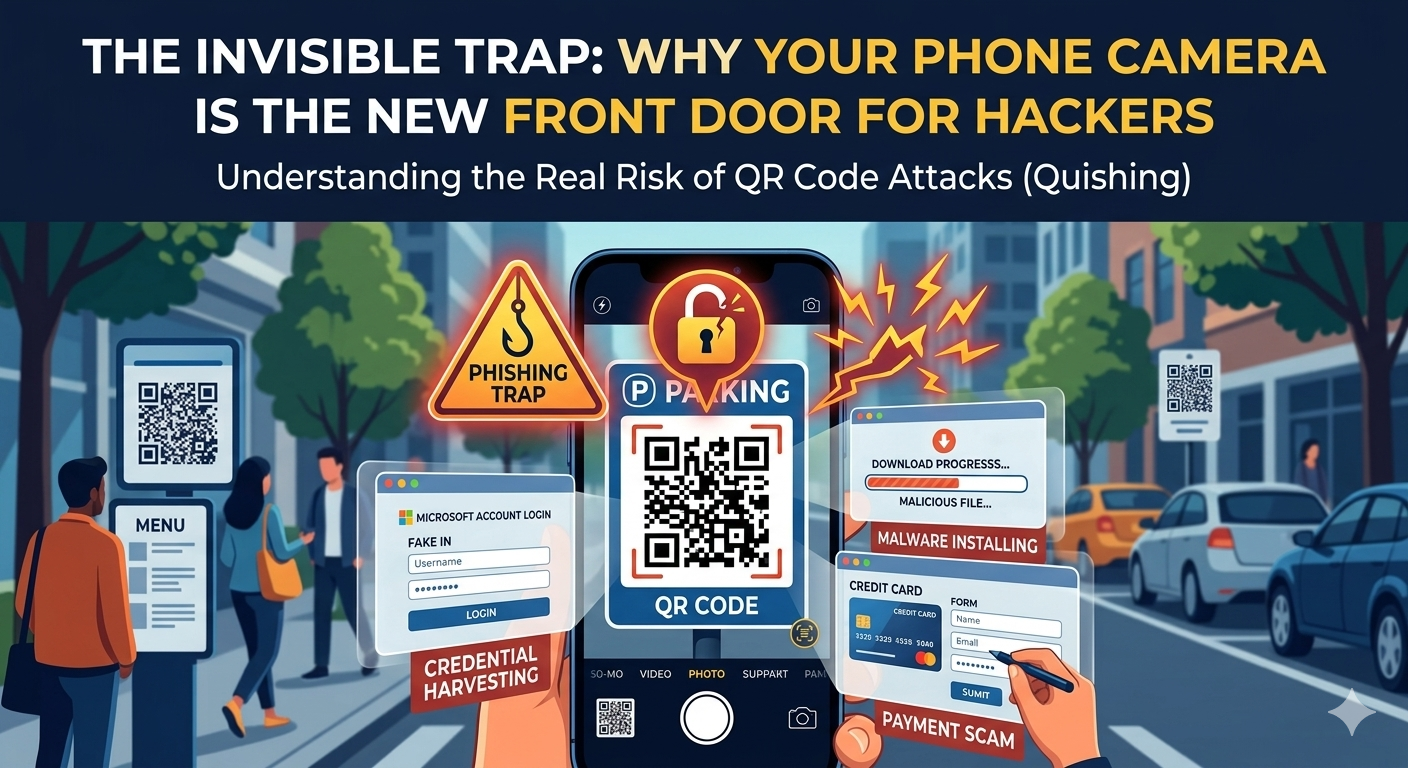
We see them everywhere—on restaurant tables, parking meters, and even in our work emails. Those little black-and-white checkered squares, known as QR codes, have become a part of our daily rhythm. They feel convenient, modern, and safe... until they aren’t.
Lately, there’s been a massive spike in a scam called "Quishing" (short for QR-code phishing). It’s clever, it’s quiet, and it’s designed to bypass all the high-tech security systems your computer has by targeting something much simpler: your blind trust.
Why the Square is a Scammer's Dream
Think about a standard web link in an email. Usually, you can hover your mouse over it to see where it’s going. If it looks "fishy," you don't click.
QR codes are different because:
They are unreadable to humans: You can’t "see" where a QR code leads until after you’ve already scanned it and the page begins to load.
Phones hide the details: Mobile browsers are built for small screens. They often hide the full web address (URL), making it easy to miss a fake site that looks identical to the real one.
They leverage "Physical Trust": We tend to trust things we see in the real world. If a QR code is on a parking meter or a poster at the gym, we assume it's legitimate.
Where the Traps are Hiding
Attackers aren't just hacking systems anymore; they are hacking human behavior. Here is how they are doing it right now:
The Sticker Swap: Scammers place malicious stickers over the real QR codes on restaurant menus or parking kiosks. You think you’re paying for lunch; they’re stealing your credit card info.
The Urgent Work Email: In corporate environments, you might see a QR code asking you to "Reset your Microsoft 365 password," "Install a security update," or "Join the company VPN." Because it looks official, it bypasses our usual judgment.
The "Missed Delivery" Trick: You get a message saying a package couldn't be delivered, with a QR code to "reschedule." Scanning it takes you to a fake login page where your credentials are harvested.
Once you scan, it can be too late. A single click can lead to silent malware installs, stolen passwords, or banking fraud.
How to Stay Safe (Without Living in Fear)
You don't have to stop using QR codes entirely, but you should treat them like a stranger knocking on your door.
Look for the "Sticker" sign: Before scanning a code in public, run your finger over it. Does it feel like a sticker placed over the original? If so, don't scan it.
Slow down on the "Scan to Pay": Avoid making payments through a QR code unless you are 100% certain of the source. Use official apps (like the actual parking or restaurant app) instead.
The "URL Check" is your best friend: After scanning, your phone usually shows a preview of the website address. Take three seconds to look at it. If it’s supposed to be
Microsoft.combut saysMicros0ft-update.net, close it immediately.Be skeptical of "Urgency": If a QR code tells you that you must scan right now to avoid an account lockout, it’s almost certainly a trap.
Security isn't just about having the best antivirus software; it’s about being aware in those small, everyday moments.
What’s the last QR code you scanned without thinking? It might be time to start looking at those little squares a bit more closely.
Ready to see where your company defenses stand?
👉 Request your customized cyber vulnerability report today and stay ahead of threats.
👉 Gain insights into your unique cybersecurity vulnerabilities with a custom report.
👉 Train your team to be your first line of defense
📞 Schedule a call today or 📧 contact us for a consultation.